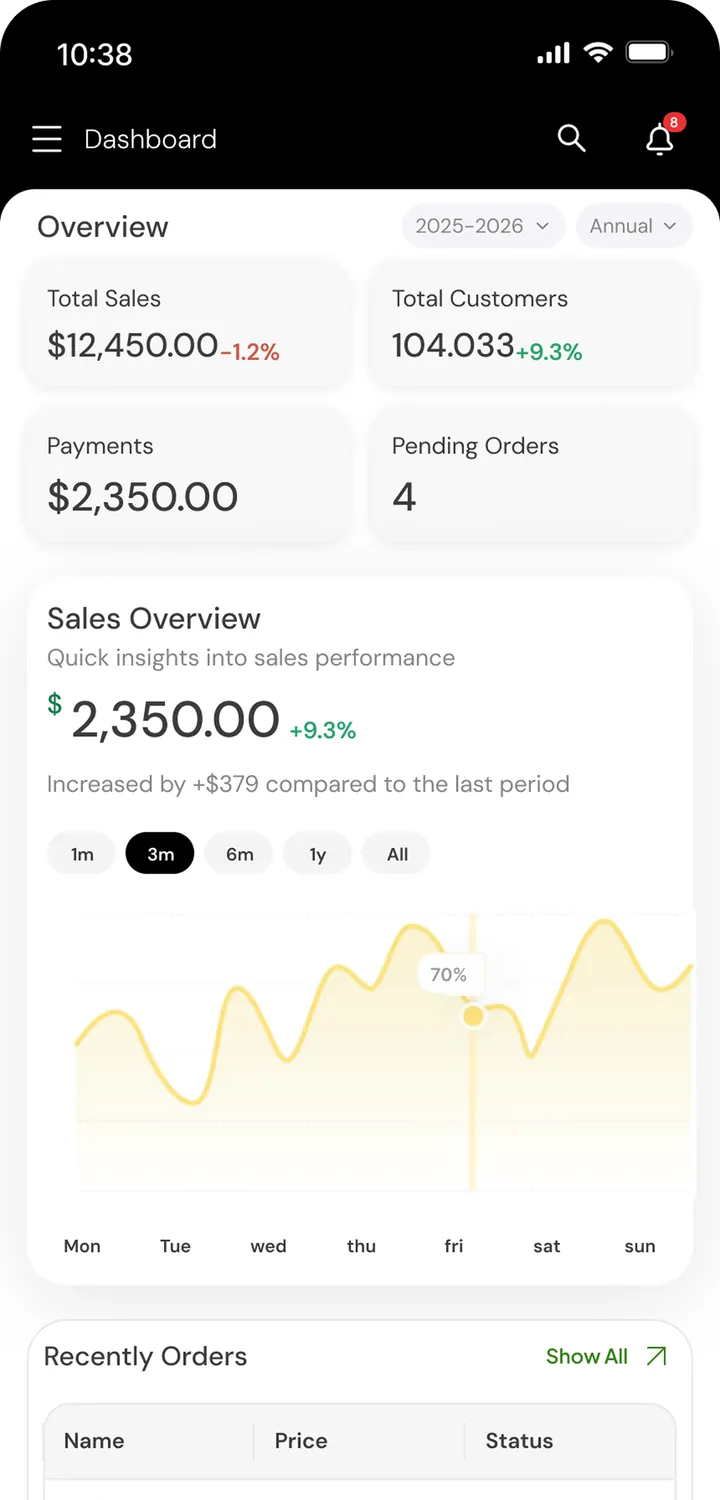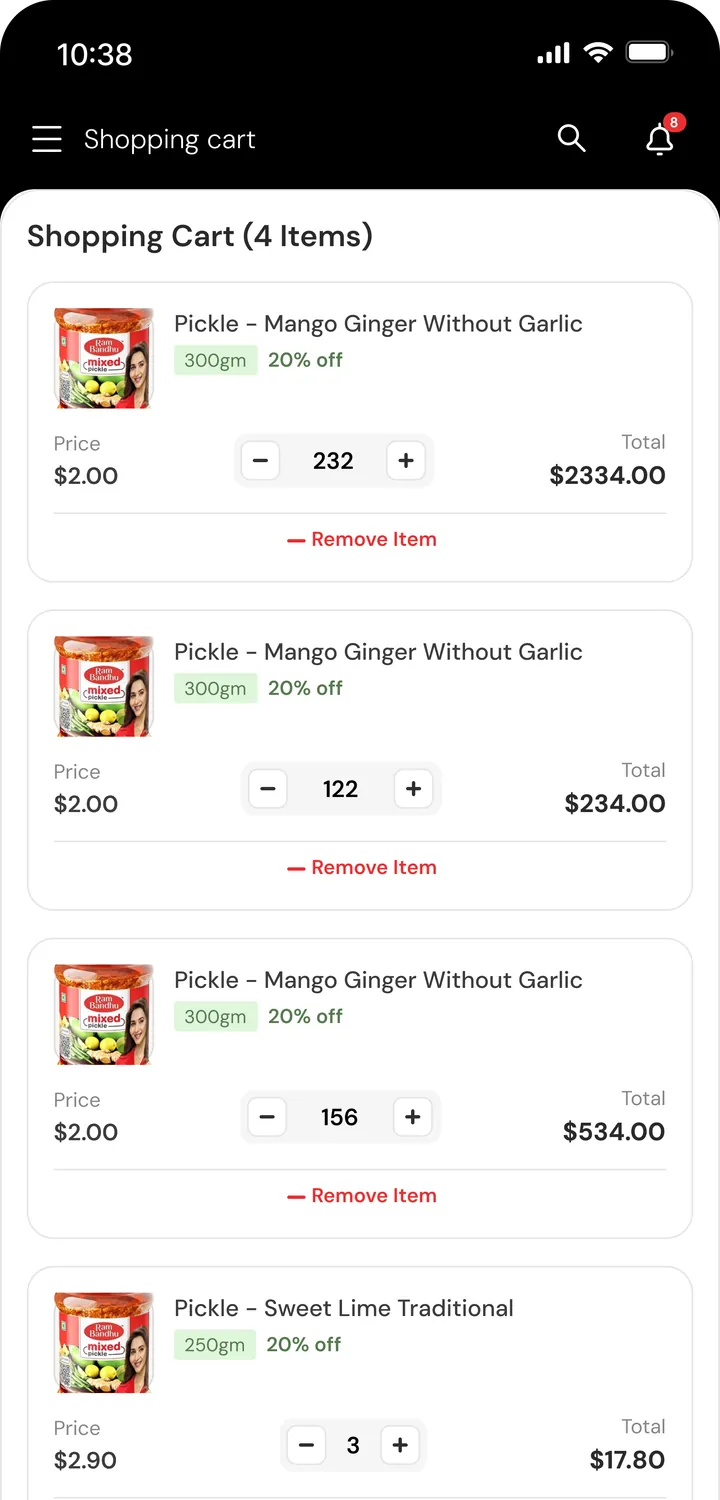
Dealer ordering for agri input companies, without the phone calls

Agri input companies sell through large dealer networks, and orders still arrive by call and WhatsApp. Vendplex gives every dealer a branded, controlled way to order, with prices, credit and approvals handled by your rules.

The problem

Why agri input dealer networks outgrow phone and WhatsApp ordering

These are the ordering problems we hear most from companies that sell through dealers.

Orders arrive by phone and WhatsApp

Staff re-type orders from calls, voice notes and screenshots, and mistakes reach the invoice.

Every dealer gets a different price

Price lists live in spreadsheets and in people’s heads, so quotes drift from dealer to dealer.

New dealers are approved on paper

Documents arrive in email and chat, and approvals wait for someone to find them.

Dues are hard to see

Nobody can check what a dealer owes before accepting the next order.

Field teams work blind

Salespeople take orders without live prices, stock or dues for the dealer in front of them.

Products sell in the wrong regions

Some products should only be bought in certain areas, but nothing enforces it at the cart.

In practice

How Vigour Agritech runs its dealer network on Vendplex

Vigour Agritech

Agri inputs · dealer network

The problem

Dealers ordered over phone or WhatsApp, prices differed by dealer, approvals were manual and dues were hard to see.

The Vendplex solution

Dealer registration with document upload and admin approval, dealer-specific prices and product visibility, credit limits with dues tracking, and salespeople placing orders and collecting payments for their assigned dealers.
OnboardingDealer pricingCredit & duesSales-assisted ordering

Read the full case study

Onboarding and credit

Approve dealers, set prices and control credit from one admin panel

Every dealer goes through the same controlled path: register, upload documents, get approved, and start ordering at the right price.

  • Dealers register and upload documents such as GST, and an approver you choose reviews them
  • After approval, assign a price group, product visibility, cart rules and a credit limit with validity
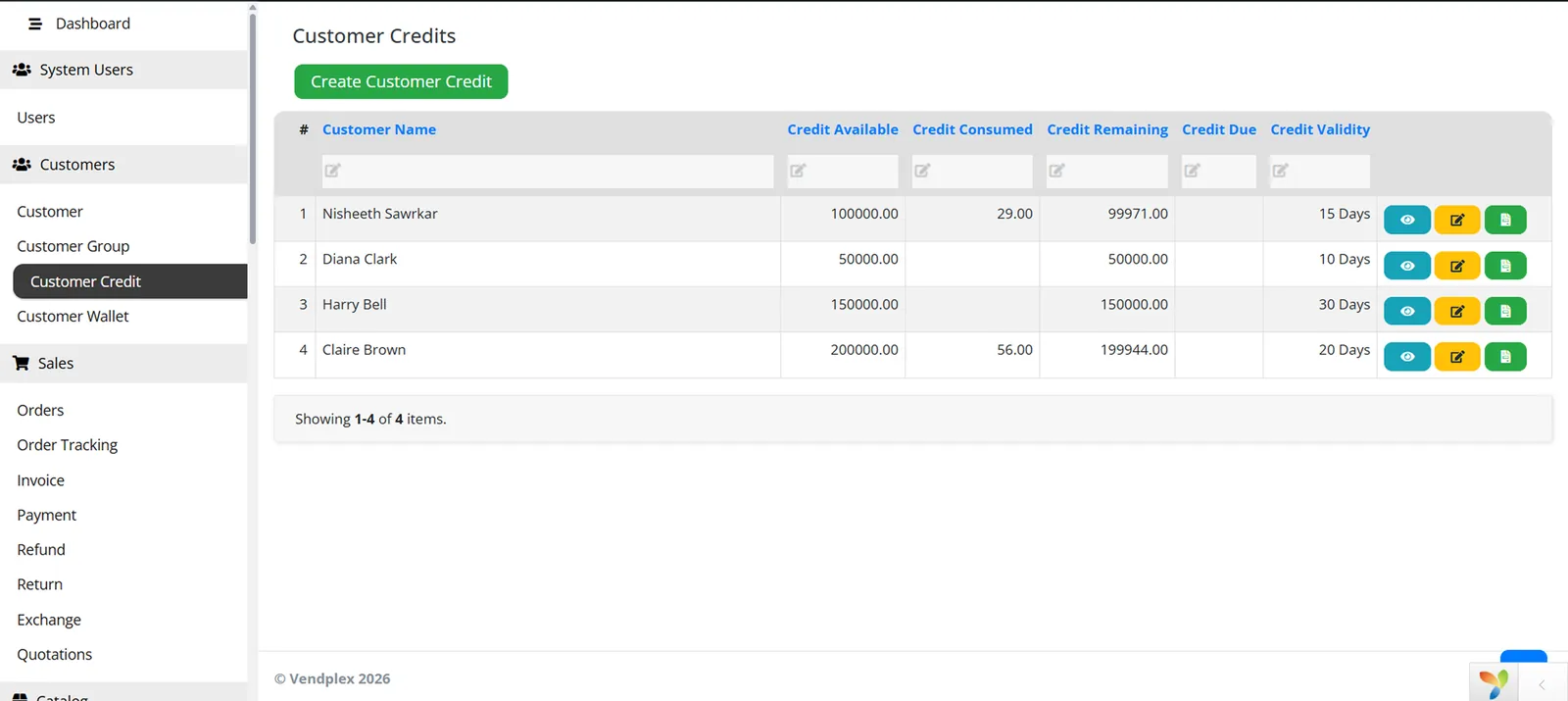
  • Track used and remaining credit and dues for every dealer
  • Hold or block orders when a limit or due date is exceeded
  • Split an order between credit and online or cheque payment

How onboarding and automation work

admin.yourbrand.com/customers/credit
Admin view of customer credit limits and dues
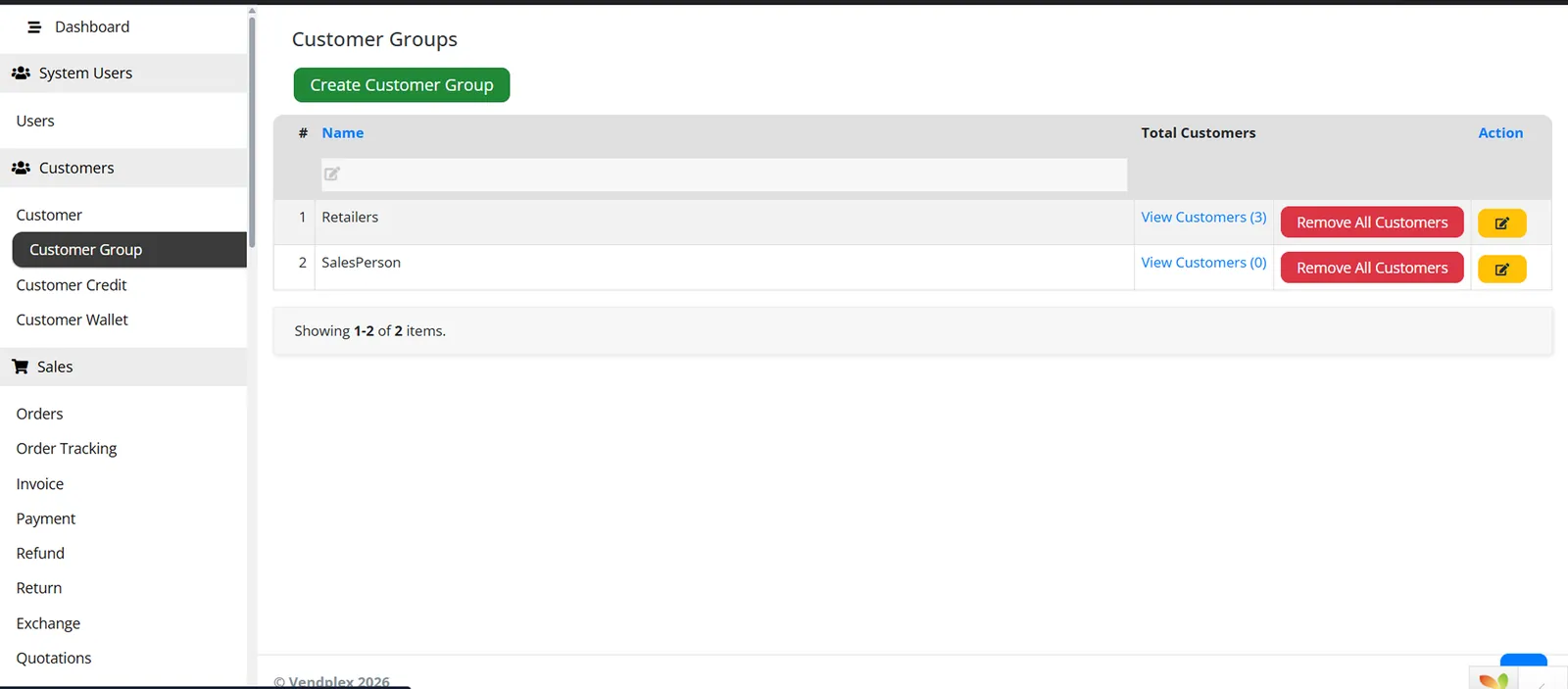
admin.yourbrand.com/customer-groups
Admin customer groups used for dealer pricing
Dealer-wise pricing

The same product, a different price for each dealer group

Group dealers, set tier or dealer-specific prices and decide which products, categories or brands each group can see. Show “Request a quote” or “Login to see price” where you prefer.

  • Group pricing and quantity-based tier pricing
  • Show or hide products, categories or brands per dealer or group
  • Restrict where a product can be bought by pincode, for region-specific products
  • Quotations that dealers request and your admin approves

How pricing and visibility work

Field sales

Give your sales team live dealer data on web and mobile

Salespeople see only the dealers assigned to them and can serve those dealers faster, with the numbers in front of them.

  • Place orders on behalf of assigned dealers
  • Record payments and cheque collections in the field
  • See dealer dues, credit balance and order history
  • View delivery routes and the customers covered

Explore the sales app

Sales app home screen for field salespeopleSales app order list for assigned dealers
Rollout

From first call to live dealer ordering in 15 days to 1 month

Day ranges overlap and depend on how complex your rules are.

Discover

We map how dealers order today and agree your onboarding, approval, pricing and credit rules.

Configure

We build the workflows, storefront, apps and pricing around your process.

Migrate & integrate

Dealers, products, prices and credit limits move across, and accounting is connected.

Train

Your admin and sales teams learn the platform and test real orders.

Go live & support

Your first dealers are invited, and we support you after launch.

See what we need from you at each phase

FAQ

Questions we hear most

Can different dealers see different prices for the same product?

Yes. Vendplex sets pricing and visibility per dealer or per dealer group, so two dealers can see different prices for the same product at the same time. When rules overlap, the priority is set by your own rules.

Can we stop orders when a dealer is over their credit limit?

Yes. Credit-limit checks can block or hold an order when the dealer’s limit or due date is exceeded. Overdue and reminder alerts can also go out automatically, so your team does not chase payments by hand.

Can our salespeople place orders for dealers in the field?

Yes. Salespeople see only the dealers assigned to them. They can place orders for those dealers, record payments and cheque collections, and view dues, credit balance and order history in the sales web login or the sales app.

Which documents can a dealer upload when they register?

Dealers upload documents such as GST, along with the details your business requires. You decide what registration asks for, who approves the account, and what notifications go out on approval or rejection.

Do you integrate with Tally or QuickBooks?

QuickBooks sync is live for customers, orders and products. Tally and other accounting or ERP systems are built as part of your implementation.

How long does it take to go live?

Typically 15 days to 1 month, depending on the complexity of your onboarding, pricing and approval rules. See the how it works page for the five phases.

Bring your dealer network onto one ordering platform

Book a demo and we will walk through your dealer onboarding, pricing and credit rules. Typical go-live is 15 days to 1 month.